Focus Mode
Strip the web down to just the article. No sidebars, ads, or noise. Pure text, perfect margins, your pace.
Highlights, floating notes, a focus timer, and a reading queue — all persistent, all local. The web reading tool for people who actually read.
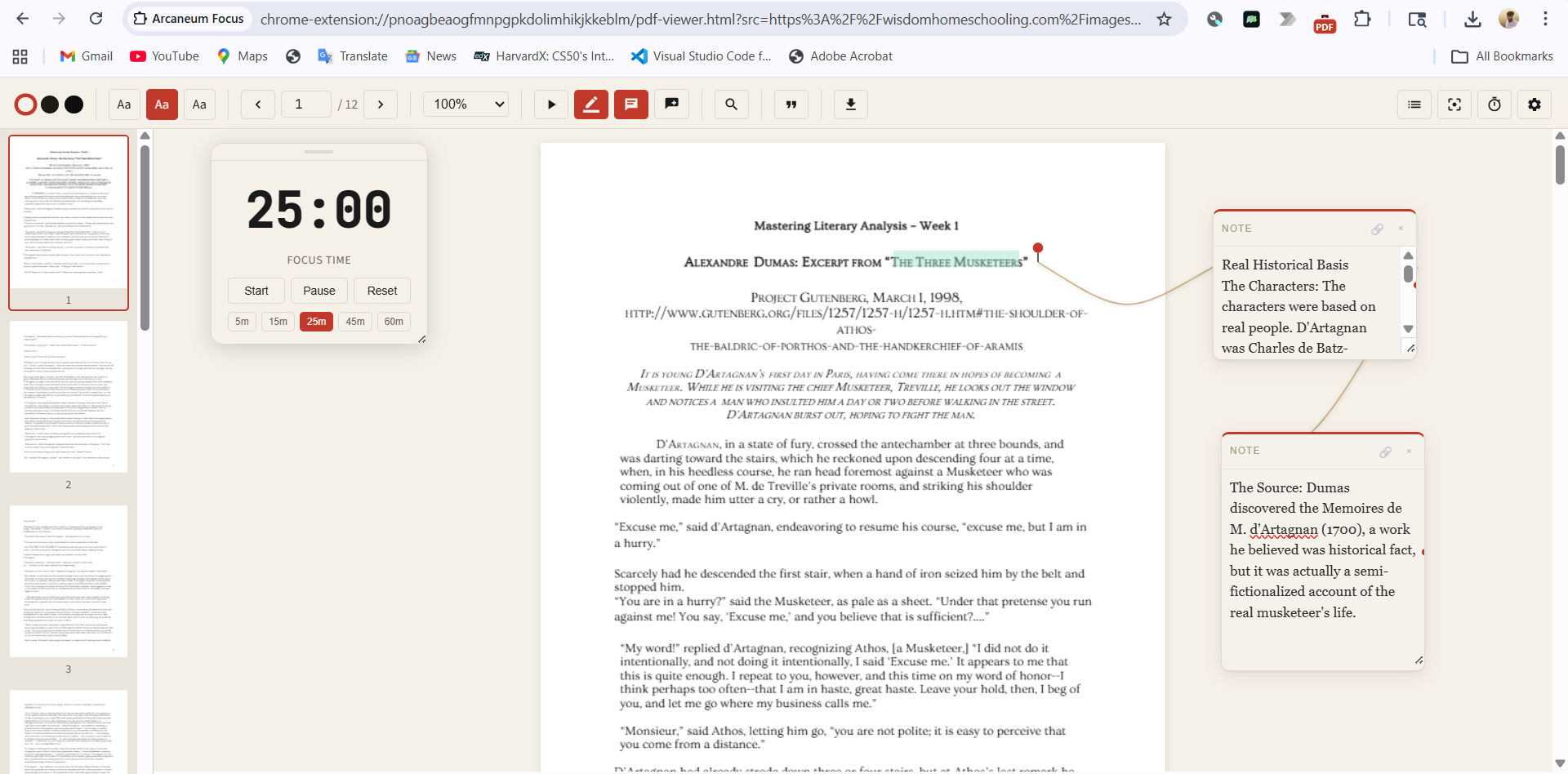
Strip the web down to just the article. No sidebars, ads, or noise. Pure text, perfect margins, your pace.
Three color modes. Select any text, tap a color, done. Works on articles and PDFs.
Drop notes exactly where they belong. Tether them to paragraphs with connector lines — like digital marginalia.
Built-in Pomodoro timer. Set 5, 15, 25, 45, or 60 minute sessions without leaving the page.
Save pages to read later from the popup. One click to open, one click to remove.
Everything stays in your browser. No account, no server, no accidental cloud wipe. Your data, your device.
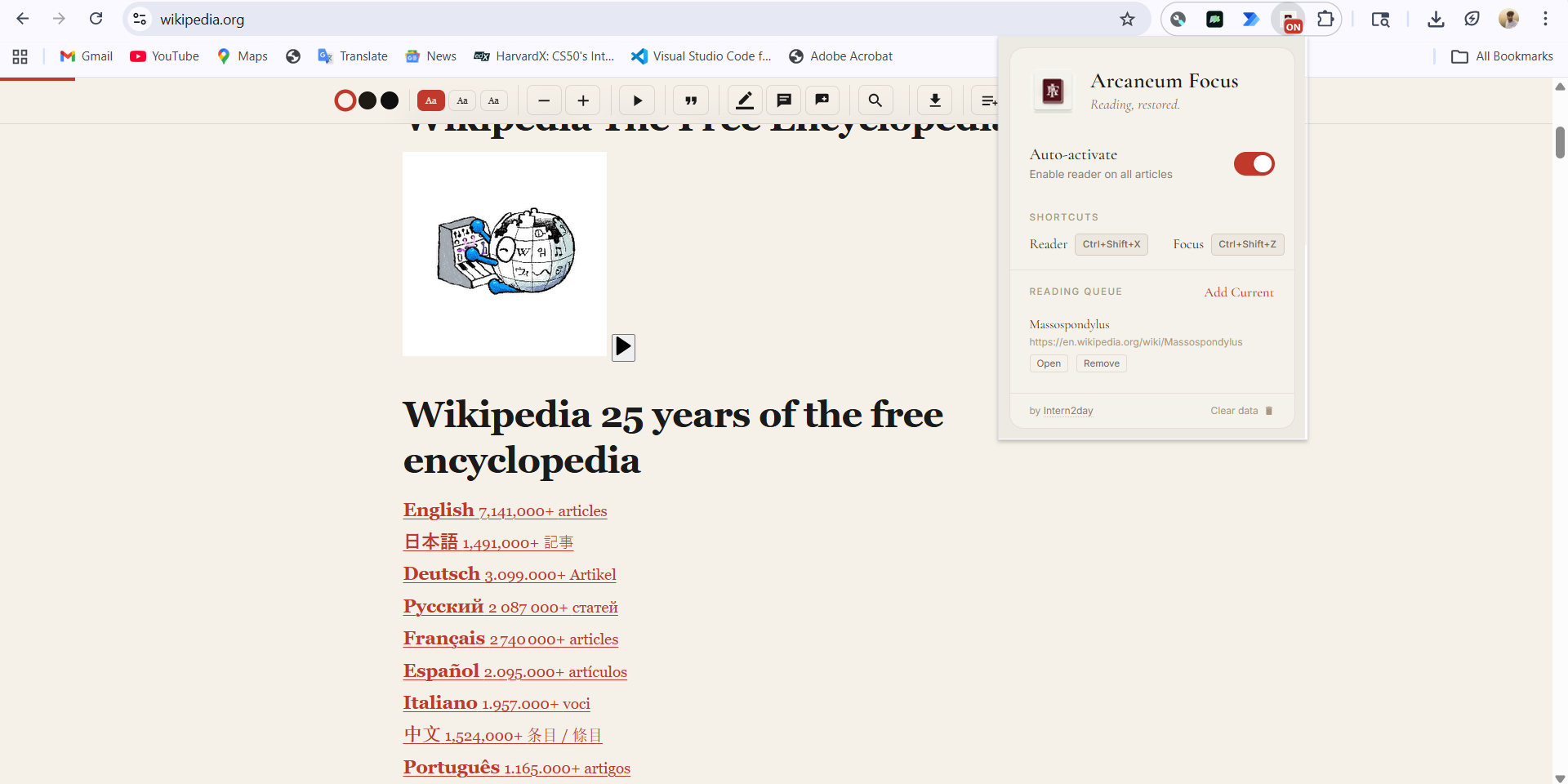
Navigate anywhere — Wikipedia, Gutenberg, a study guide, a research paper. Reader mode activates instantly.
Ctrl + Shift + X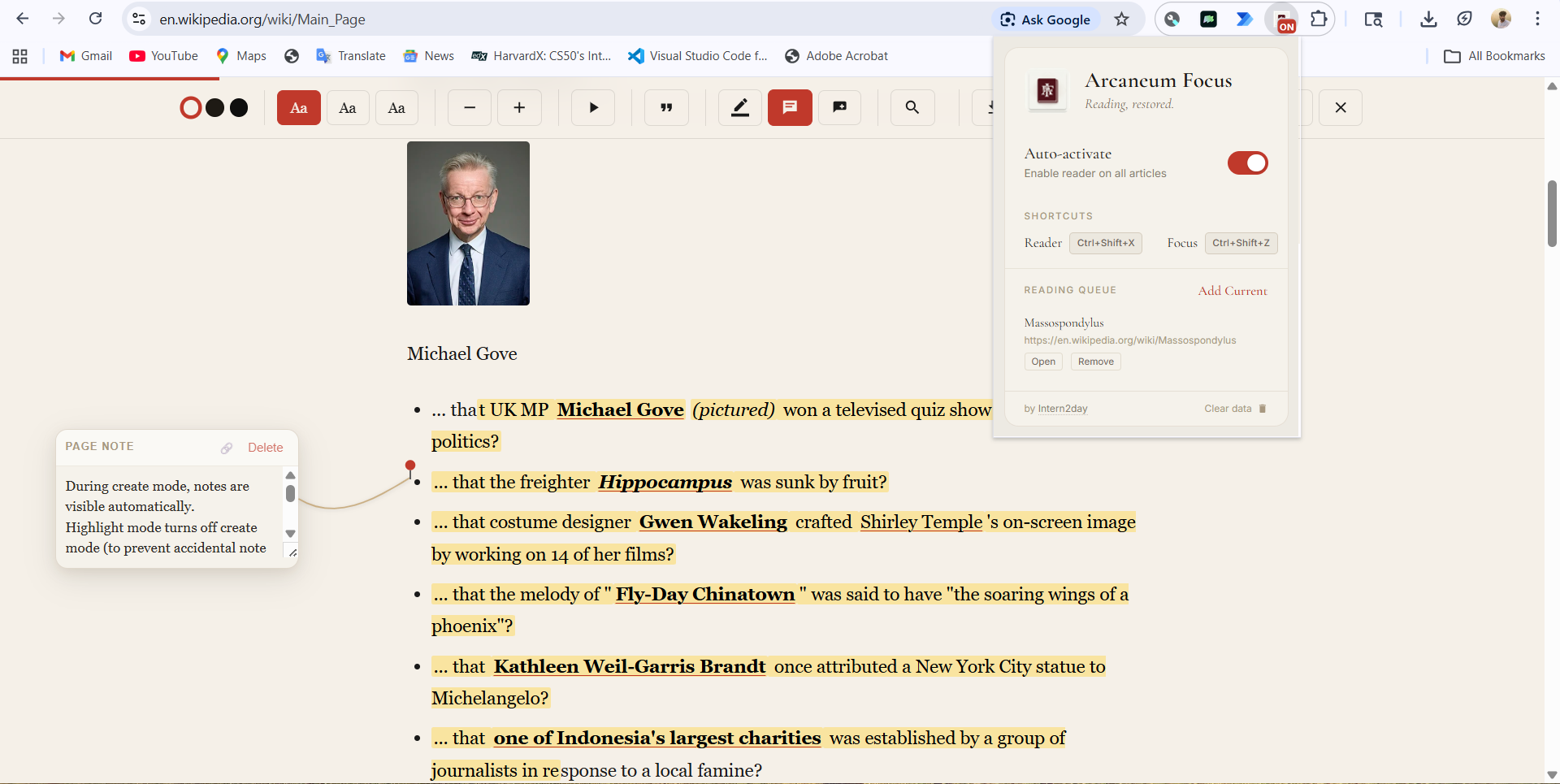
Select text to highlight in three colors. Drop floating note cards and keep a timer right on the page.
Notes anchor to text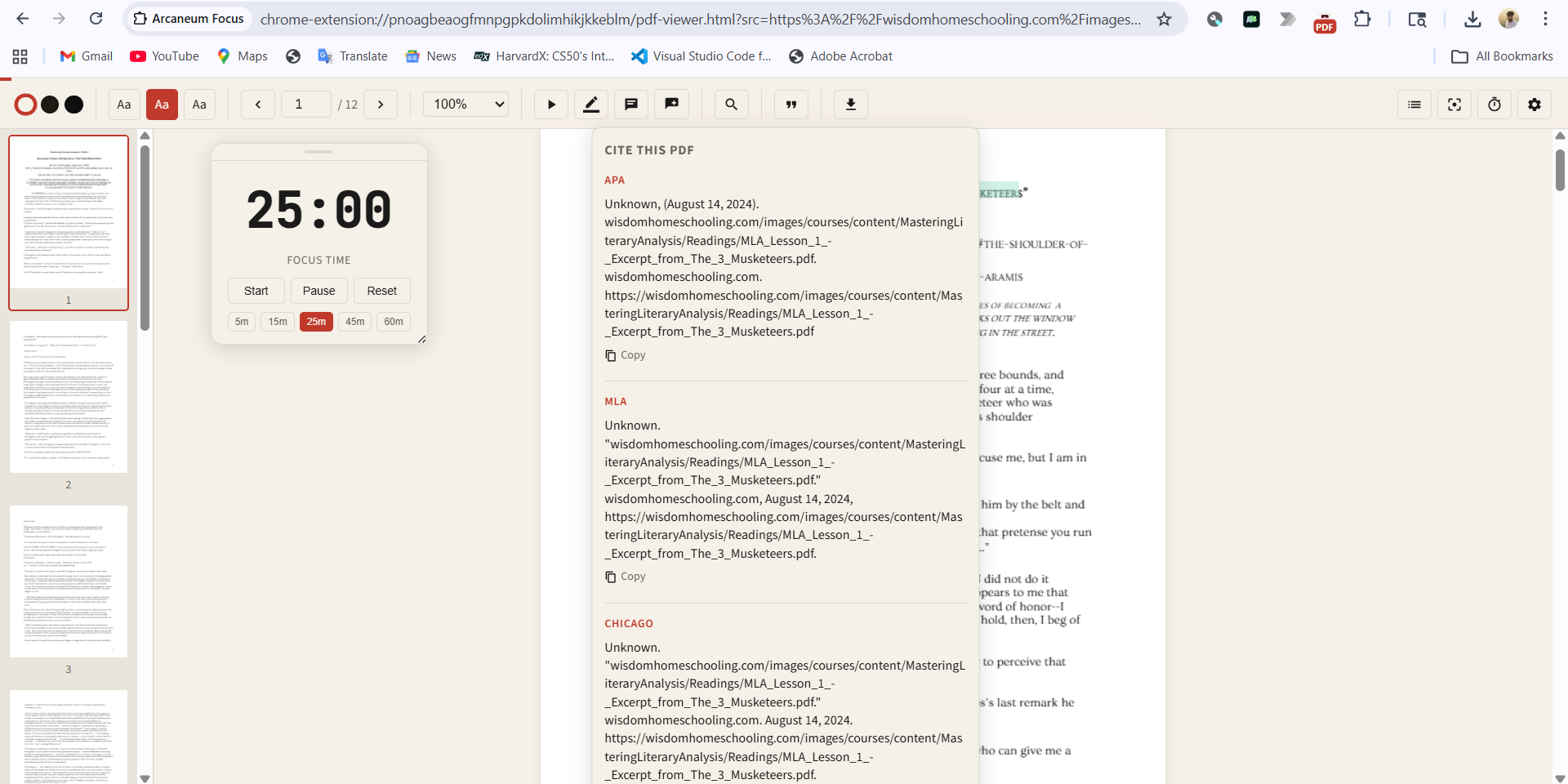
Your highlights, notes, and reading context remain exactly where you left them. No account required.
Local-first storageMost reading tools are built for productivity.
Arcaneum Focus is built for understanding.
Speed counters and streak dashboards treat knowledge like a quota. We built something quieter — a reading layer that gets out of the way and lets thought happen.
I use it to annotate research papers without leaving the browser. It replaced my old PDF workflow entirely.
Focus mode is the only reason I finish long articles now. The web feels readable again.
The note connector lines feel like real marginalia in a physical book. It is oddly satisfying.
I use it to annotate research papers without leaving the browser. It replaced my old PDF workflow entirely.
Focus mode is the only reason I finish long articles now. The web feels readable again.
The note connector lines feel like real marginalia in a physical book. It is oddly satisfying.
Yes. Arcaneum Focus is free and has no hidden limits. It's a product by The Arcaneum, created as a way of giving back to the readers and academic community.