Focus Mode
Strip the web down to just the article. No sidebars, ads or noise. Pure text, perfect margins, your pace.
Highlights, floating notes, a focus timer and a reading queue — all persistent, all local. The web reading tool for people who actually read.
Featured on


Turn any article into your personal research space. Highlight, annotate and save to your reading queue — all from one clean reader view.
Mark what matters in color, add tags and keep your markup organized.
Add notes, link passages and see the bigger picture right on the page. Watch your thinking take shape as a visual map of connected concepts.
Get accurate citations in APA, MLA and Chicago format right where you read. Copy them in one click — no switching tabs, no manual formatting.
Open any PDF and use the same highlights, notes and citations you use on web articles. PDFs saved on your computer need one setting: see the FAQ.
Turn any article into your personal research space. Highlight, annotate and save to your reading queue — all from one clean reader view.
Mark what matters in color, add tags and keep your markup organized.
Add notes, link passages and see the bigger picture right on the page. Watch your thinking take shape as a visual map of connected concepts.
Get accurate citations in APA, MLA and Chicago format right where you read. Copy them in one click — no switching tabs, no manual formatting.
Open any PDF and use the same highlights, notes and citations you use on web articles. PDFs saved on your computer need one setting: see the FAQ.
Strip the web down to just the article. No sidebars, ads or noise. Pure text, perfect margins, your pace.
Six color modes. Select any text, tap a color, done. Works on articles and PDFs.
Drop notes exactly where they belong. Tether them to paragraphs with connector lines — like digital marginalia.
Built-in Pomodoro timer. Set 5, 15, 25, 45 or 60 minute sessions without leaving the page.
Save pages to read later from the popup. One click to open, one click to remove.
Everything stays in your browser. No account, no server, no accidental cloud wipe. Your data, your device.
Most reading tools are built for productivity.
Arcaneum Focus is built for understanding.
Speed counters and streak dashboards treat knowledge like a quota. We built something quieter — a reading layer that gets out of the way and lets thought happen.
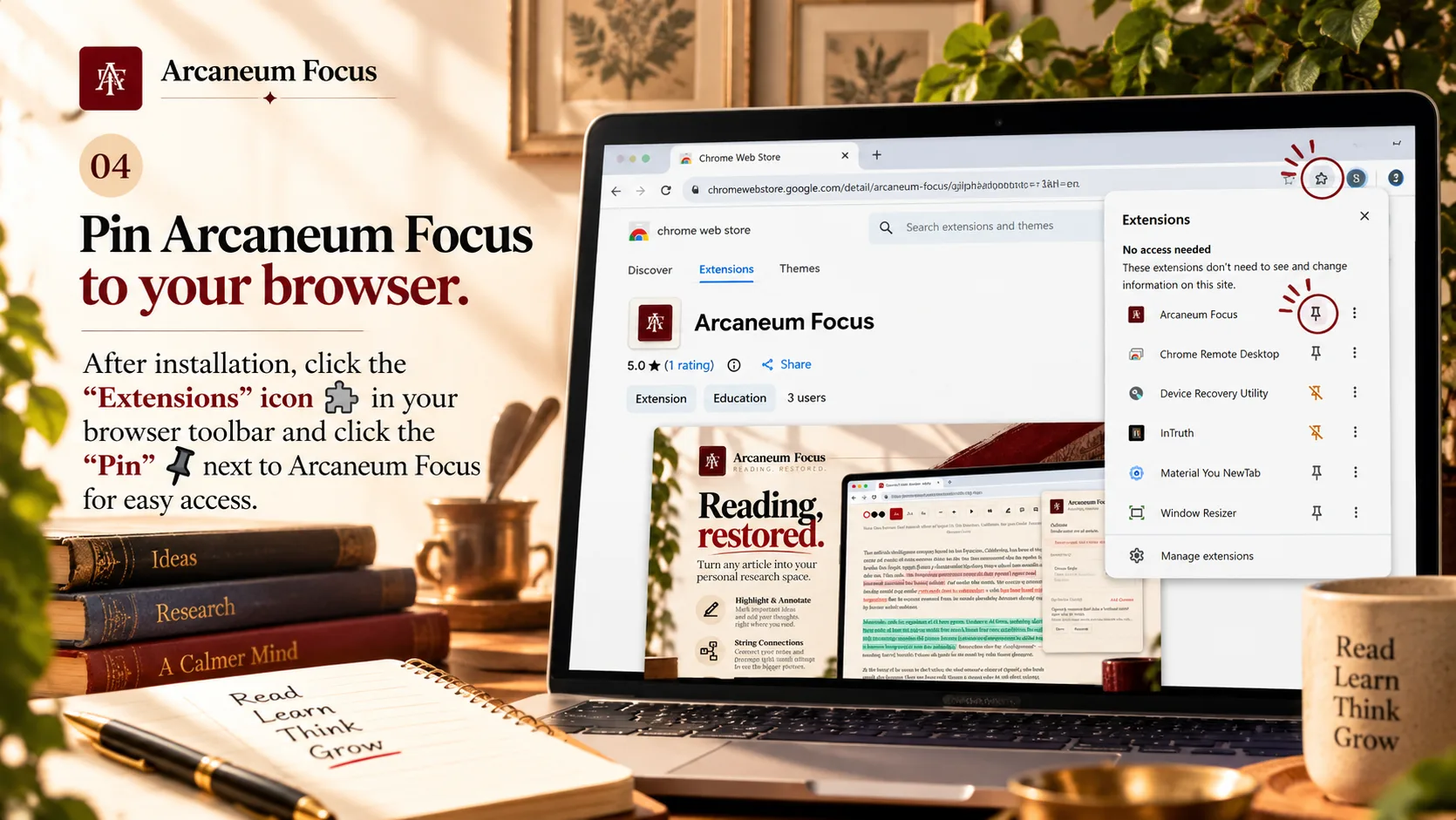
Three steps. No account, no setup.
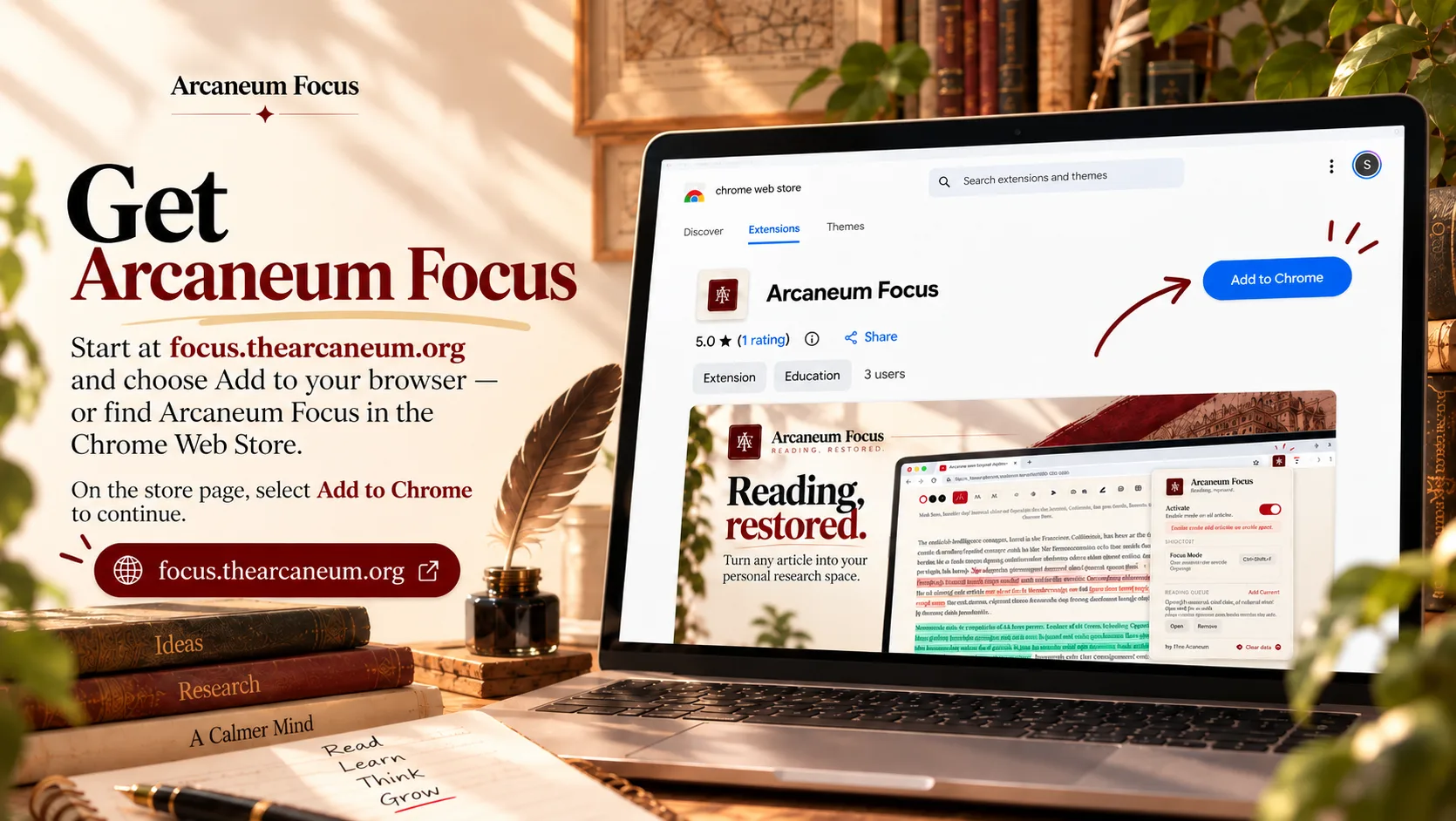
Access to all sites is what lets Focus work on any page you read.
Chrome sometimes shows this for newer publishers. Arcaneum Focus is our first extension, so we have no track record yet. Focus has no accounts, no servers and no analytics, and everything you save stays on your computer. If you're comfortable, click “Continue to install”. If not, click “Close”.
Read the privacy policy
Also works in Chrome, Edge, Brave and Arc.